Do
Give it sky
Satellites live overhead. Glass is fine. Metal, carbon, and people are not.

How to
Phone GPS, RaceBox, and Dragy all need a clear view of the sky. Mount high, keep the antenna level, and wait for a lock before you leave pit lane.
Lap timing is a sky problem. Your phone, RaceBox, and Dragy all read satellites overhead. Metal, carbon, a roof liner, or your body between the antenna and the sky makes the trace wander and the finish line fuzzy.
LapsHub times free with phone GPS. Pair a RaceBox Mini, Mini S, or Micro when you want 25 Hz, or a Dragy Pro over BLE. The mount rules are the same: high, level, open sky.
Do
Satellites live overhead. Glass is fine. Metal, carbon, and people are not.
Do
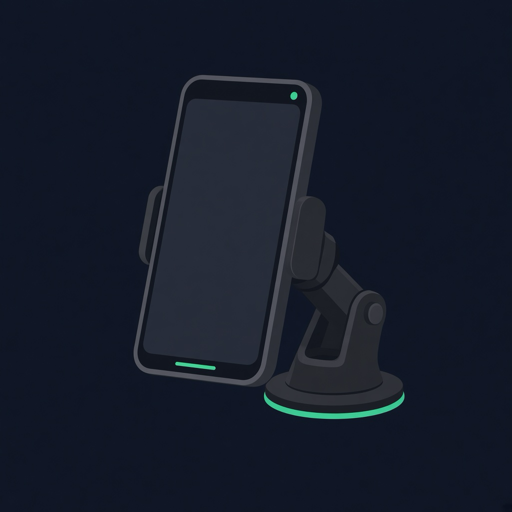
Suction cup on the windshield. Top of the phone toward the sky, not tucked under the visor.
Do
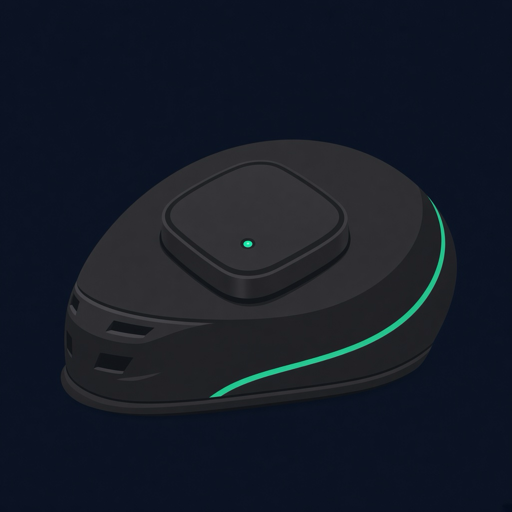
A metal roof is the default for RaceBox and Dragy. It sees the sky and uses the roof as a ground plane.
Do
Start the session in the paddock. Do not roll until the GPS badge looks healthy.
Don't
Low, boxed in by metal, and bouncing. That is how you get a wandering line.
Don't
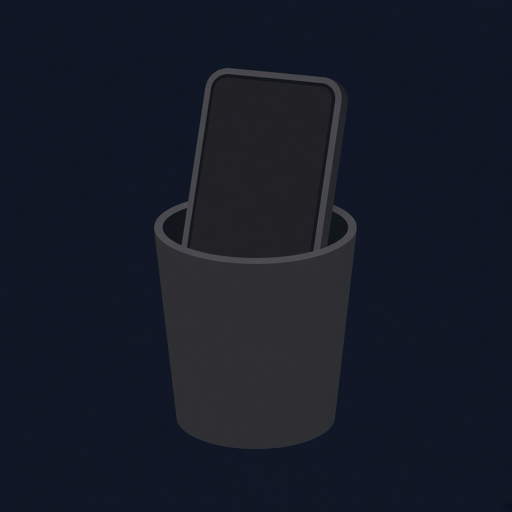
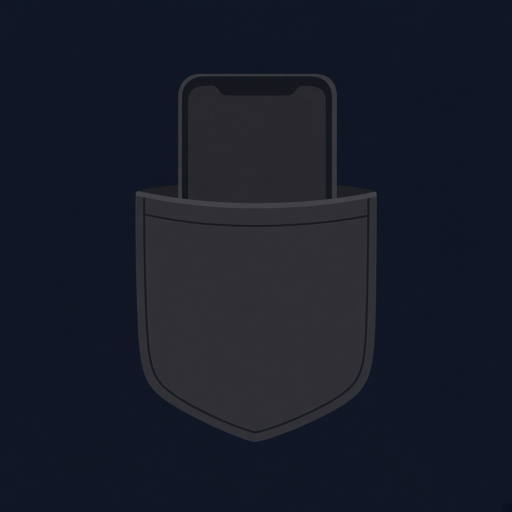
Your body blocks the sky. A phone in a pocket or a bag is a terrible GPS antenna.
Most phones keep the GNSS antenna near the top edge. Mount so that top edge can see the sky through glass. A suction mount high on the windshield is the usual track-day setup.
A dedicated receiver wants the same sky, just with a better antenna. Pair LapsHub with a RaceBox Mini, Mini S, or Micro, or a Dragy Pro, then put the puck where the sky is.
RaceBox and Dragy vs phone GPS →
If you cannot see a decent patch of sky from the antenna, the trace will lie. These are the usual misses.
Open LapsHub, pick Phone GPS or your paired RaceBox or Dragy, and start the session while you are still in the paddock. Give it a short wait in open sky so the receiver can lock.
If the GPS badge stays weak, move the mount before you go on track. A better mount beats a better alibi.
High on the windshield with a suction mount and a clear sky view. The GNSS antenna is usually near the top of the phone. Do not use a cup holder, pocket, or glovebox.
On a metal roof with the mag mount when you can. On carbon roofs and convertibles, place it high on the dash, level, with sky through the windshield.
No. Your body blocks satellites. Mount the phone or use a RaceBox or Dragy with a sky view.
Usually a blocked antenna: cup holder, pocket, metal, carbon, or no lock yet. Move the receiver high, wait for lock in the paddock, then roll.
← Track day guides · Laptimer · FAQ · Racetracks · Download Free
Download free on iPhone or Android. Improve with every lap, keep a clearer picture of risk, and bring your crew live.