
How to
Free Phone Lap Timer For Track Days
Mount your phone, open LapsHub, and time laps with GPS. No logger required to get started.
How phone lap timing works
LapsHub is a GPS laptimer on your phone. It detects finish-line crossings on catalog tracks. Curated polygons time immediately. Other tracks can learn a finish line when you return to start.
Your crew can follow live lap times and session progress while you drive. After you park, open history, compare, or coaching notes.
Phone vs RaceBox and Dragy
Phone GPS is free and good enough to practice, coach, and share live with your paddock.
Pair a RaceBox Mini, Mini S, or Micro over Bluetooth when you want 25 Hz GPS and sharper timing data. Pair a Dragy Pro on the same Trackers path. Public leaderboard eligibility follows approved rank-eligible sessions, not every phone practice lap.
Tips for cleaner phone times
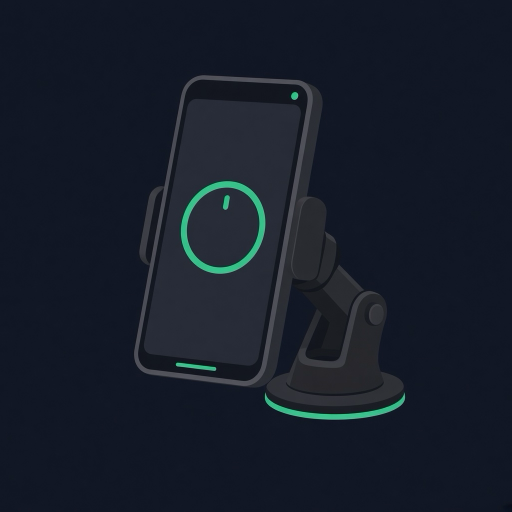
Mount the phone securely, keep a clear sky view when you can, and start the session before you roll. Follow your organizer rules, including HPDE mode when timed display is not allowed.
FAQ
Is a phone lap timer accurate enough for HPDE?
Yes for learning, coaching, and crew live views. For sharper GPS, pair a RaceBox or a Dragy. Always follow your event rules for timing displays.
Do phone laps show on public track leaderboards?
Phone sessions are for live-event views and your history. Public boards highlight approved rank-eligible laps. Download free either way and time every session.
← Track day guides · HPDE mode · GPS placement · Laptimer · Compare · FAQ · Racetracks · Download Free
Ready for your next track day?
Download free on iPhone or Android. Improve with every lap, keep a clearer picture of risk, and bring your crew live.