

How to
HPDE Lap Timing That Respects The Day
High Performance Driver Education needs clear feedback without turning the session into a race. LapsHub supports phone timing, HPDE mode, and coach logging.
HPDE mode
When organizers do not want lap times on the Drive screen, turn on HPDE mode. GPS can still record for later review while the live clock stays hidden.
Always follow the school or club rules for your run group.
- Open the Garage view and select Phone GPS.
- Enable HPDE mode before you start the session.
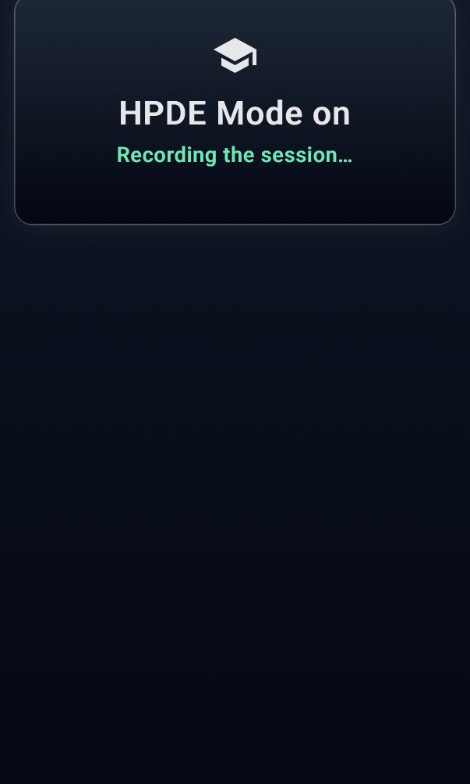
- On track, the Drive screen shows HPDE Mode on and Recording the session, with no live lap clock or scoreboard.
- Review the session after you park. Compare line and notes when you are done.
Coaching on track or remote
Drivers can search coaches on the platform to improve their driving, or coaches can invite students. It works both ways. Once linked, coaches see the session in real time from anywhere in the world. They do not have to sit with you. Right-seat logging is still an option when the coach rides along, then publish map debrief notes for later review.
That keeps teaching attached to the lap instead of lost whiteboard photos.
Crew and safety
Your crew can follow live progress from the paddock so feedback does not wait until the trailer. Use coaching marks and compare tools after you park.
FAQ
Can I time HPDE sessions with my phone?
Yes when the organizer allows timing. Use HPDE mode when clocks should stay off the Drive screen but you still want a session file afterward.
How do I connect with a coach?
Drivers can search coaches on the platform and request a link, or coaches can invite students. It works both ways once both sides accept.
Can a coach log for a student?
Yes. Coaches can see student sessions in real time from anywhere. They do not have to sit in the car. Right-seat logging into the student account is still available when riding along, plus map marks for later review.
← Track day guides · HPDE mode · GPS placement · Laptimer · Compare · FAQ · Racetracks · Download Free
Ready for your next track day?
Download free on iPhone or Android. Improve with every lap, keep a clearer picture of risk, and bring your crew live.